
Download Acompli – email client, calendar app, cloud file manager, productivity tool, unified inbox
Overview
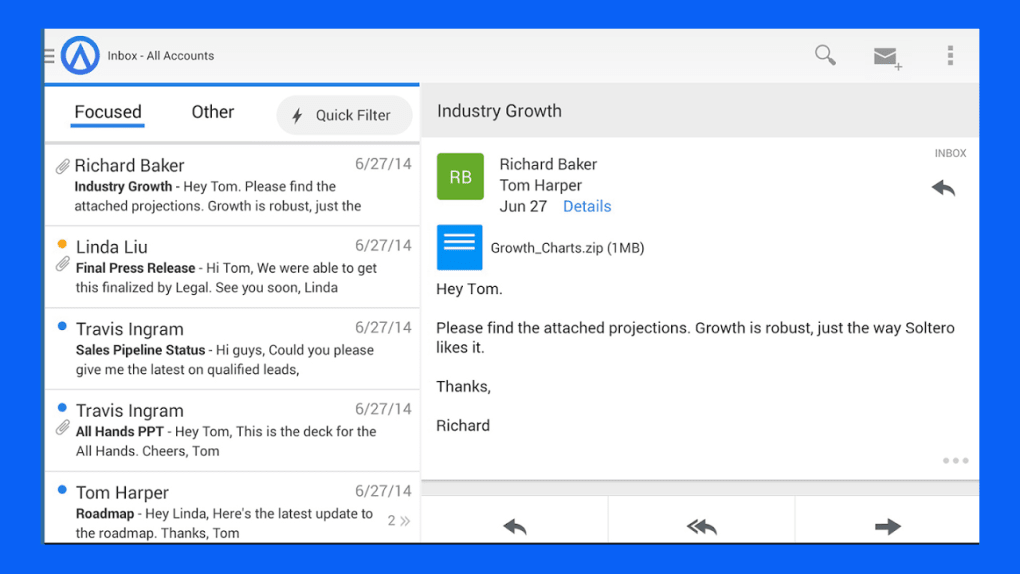
Acompli is designed as a centralized productivity hub, aiming to streamline email, calendar, and cloud file management within a single desktop application. The software targets users seeking a unified interface to manage multiple digital workstreams, particularly professionals and busy individuals who juggle multiple accounts and tasks. Its core promise lies in integrating disparate tools—email, calendar, file storage—into one accessible environment, reducing the need to switch between platforms.
While the concept is compelling, real-world usability presents mixed results. The app supports multiple operating systems, including Windows, Mac, iOS, Android, and web access, making it accessible across devices. However, the developer did not provide additional details about organizational background or technical lineage.
Real-world usage scenarios include managing personal and professional email accounts, scheduling meetings across shared calendars, and attaching files from Dropbox or OneDrive directly into messages. Despite these capabilities, the software’s performance and reliability have been inconsistent, especially when handling multiple accounts or syncing data across platforms.
Key Features & Capabilities
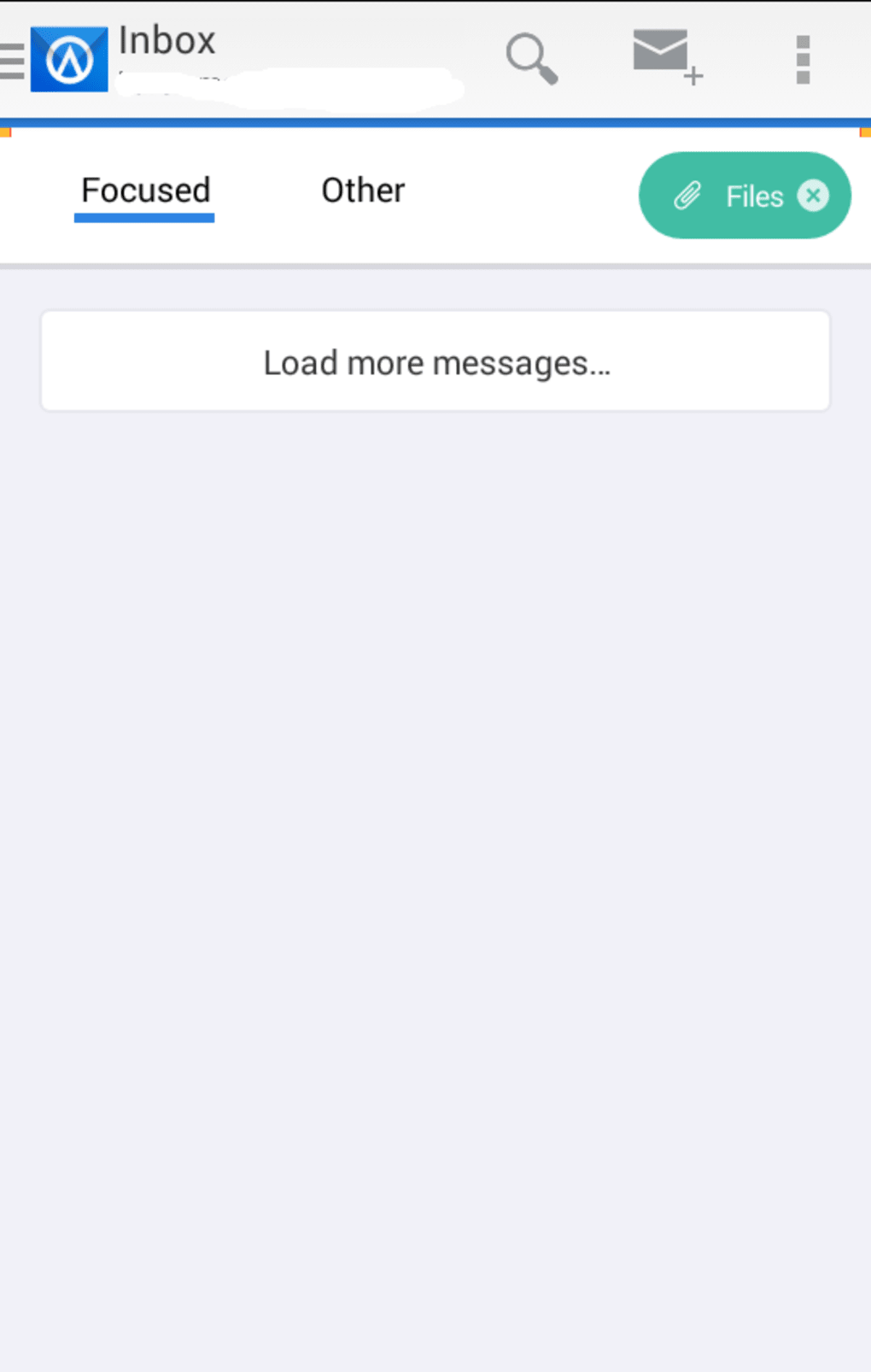
- Unified Inbox Management: Acompli offers a focused inbox for prioritized messages and an 'other' inbox for less urgent emails. This helps users reduce clutter, though it lacks the granular categorization found in competitors like Gmail.
- Multi-Platform Calendar Integration: Users can add and switch between multiple calendars, enabling better time management and appointment tracking across personal and professional schedules.
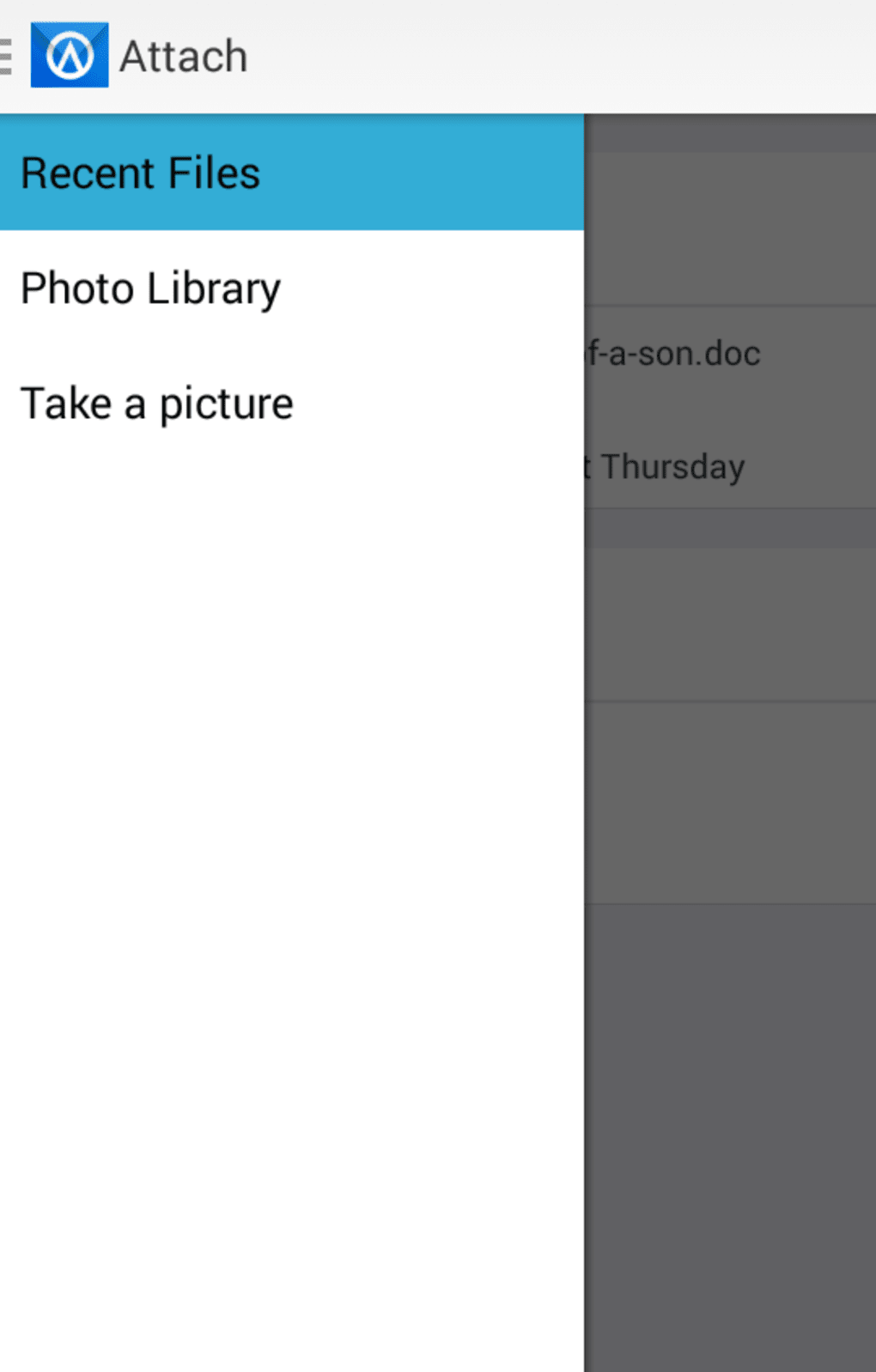
- Cloud File Access and Attachment: Direct integration with Dropbox and Microsoft OneDrive allows users to browse, attach, and download files without leaving the app, enhancing workflow continuity.
- Customizable Notifications: Users can tailor notification settings per inbox or calendar, enabling focused attention on critical alerts while minimizing distractions.
- Email Scheduling Feature: A unique function that lets users schedule emails to be sent at a later time, effectively turning the app into a basic to-do list for communication tasks.
- Centralized Contact Management: Contacts are stored within the app, though they are only viewable in a flat list, which may hinder quick access.
These features aim to boost efficiency by reducing context switching. For example, a user can review a calendar event, attach a file from OneDrive, and send a scheduled email—all within the same interface. However, the lack of advanced filtering and inconsistent account handling limit the practical value of these tools.
User Interface, Workflow & Performance
The user interface of Acompli is described as stark and minimal, with limited visual appeal. Navigation relies on a left sidebar menu that includes sections for email, calendar, files, and contacts. While this layout is functional, the small text and lack of visual hierarchy make it difficult to use, especially on high-resolution displays.
Workflow efficiency is hindered by inconsistent behavior—users reported difficulties accessing folders in secondary email accounts, with only the main inbox visible. The process of adding new accounts is buried in the settings menu, which contradicts intuitive design principles. Performance observations are based on general software behavior patterns.
The developer did not specify resource usage details. Reports indicate the app can become sluggish, particularly after adding multiple accounts, and crashes have been documented during use. Some users also experienced incorrect message counts, such as showing 207 unread messages when only six were actually present.
These issues suggest underlying synchronization or memory management challenges that affect reliability.
Compatibility & System Requirements
Acompli is available on Windows, Mac, iOS, Android, and via web browser, offering broad cross-platform access. The software version is listed as 1.0.0, with a file size of 150 MB. The developer did not specify exact system requirements, including minimum CPU, RAM, or storage needs.
Platform compatibility information is limited to the listed operating systems. No details were provided regarding hardware capabilities or background processes. The lack of transparency in system requirements makes it difficult to assess whether the software will run smoothly on older or lower-end devices.
Pros and Cons
Pros
- Centralized management of email, calendar, and cloud files
- Supports integration with Dropbox and OneDrive
- Offers email scheduling and customizable notifications
- Available for free across multiple platforms, including web
- Unified inbox helps prioritize important messages
Cons
- Only two email categories (focused and other) limit filtering options
- Difficulty accessing folders in secondary email accounts
- Crashes reported after adding multiple accounts
- Small, hard-to-read text in the sidebar menu
- Unreliable account setup—failed to connect Hotmail and Yahoo accounts in testing
FAQ Section
Is Acompli available for Windows and Mac?
Yes, Acompli is available for both Windows and Mac operating systems.
Can I use Acompli offline?
While the app supports web access, specific offline functionality was not detailed in the provided information.
Is Acompli secure?
The developer did not provide information regarding data encryption, privacy policies, or security protocols.
Does Acompli support multiple email accounts?
Yes, Acompli allows users to connect multiple email accounts. However, some users have reported issues accessing folders in accounts beyond the first one added.
How often does Acompli receive updates?
Update frequency was not specified in the available details.
Final Thoughts
Acompli presents a promising vision of unified productivity, combining email, calendar, and cloud file access in one application. Its feature set—especially email scheduling and multi-cloud integration—offers genuine utility for users seeking a centralized workflow. However, the software’s user experience is undermined by a dated interface, inconsistent performance, and critical flaws in account management.
The inability to reliably connect major email accounts like Hotmail and Yahoo significantly limits its practicality. While the app is free and accessible across platforms, these shortcomings prevent it from being a reliable daily tool. For users who prioritize functionality over polish, Acompli may still offer value, but it falls short of being a top-tier solution.
It’s a decent concept with room for improvement, but not yet a must-have productivity tool. Download Acompli now.






.png)
